
Category: Comms
-

Bolero Network Password and Admin PIN
Background Security improvements were implemented in Bolero firmware v3.5 and remain active in later firmware releases. Significant changes Admin Password In addition to the 4-digit Admin PIN, an alphanumeric password, at least eight characters long, is needed to access settings in the Bolero web interface. This password is defined by the user when a new…
-
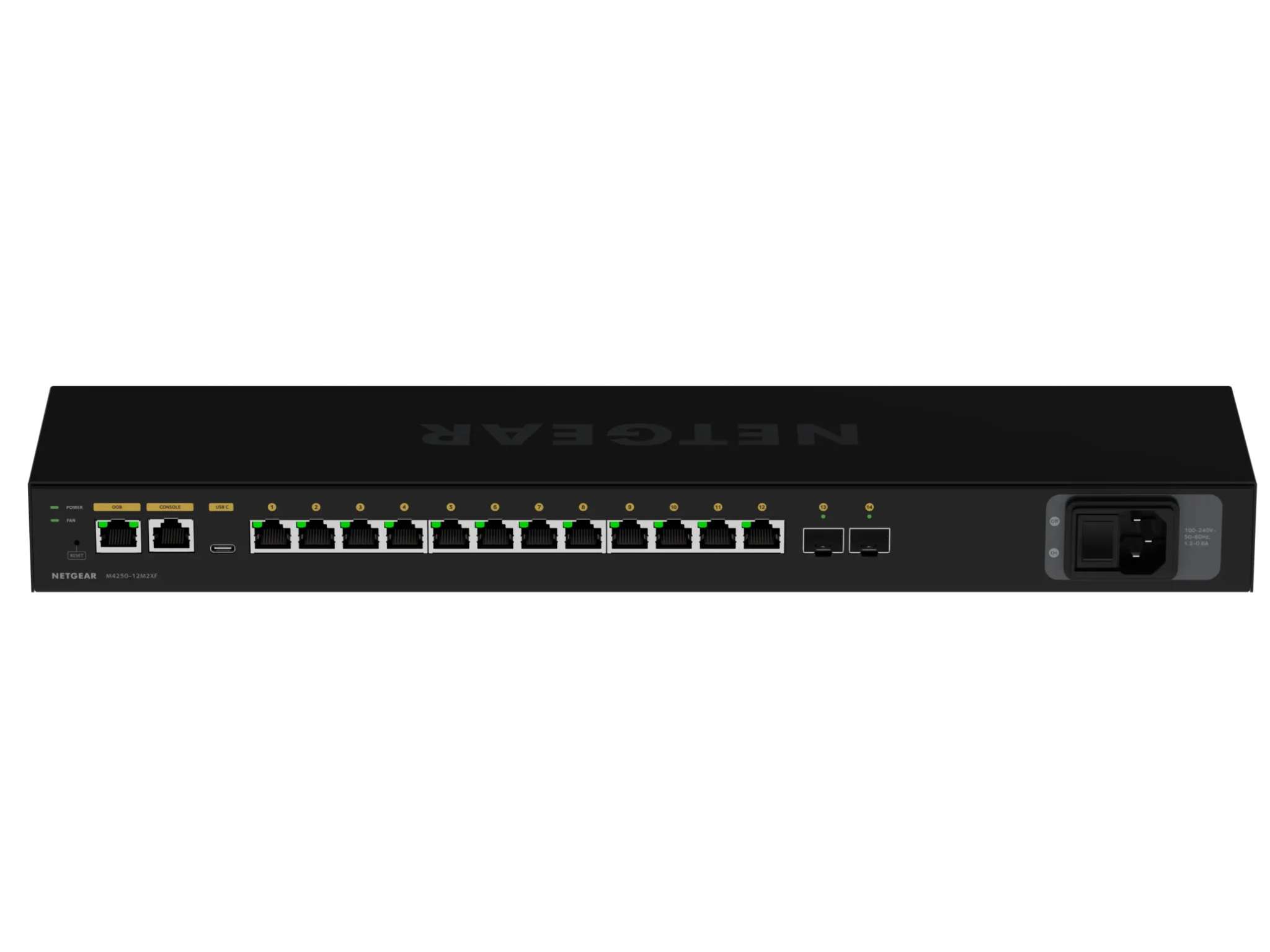
Working with Netgear AV M4250 Network Switches
NETGEAR AV Line M4250 switches can be configured using multiple interfaces, each suited to different use cases: The AV UI is designed for rapid deployment using pre-defined profiles optimised for common AV applications. It also allows users to create and save custom profiles Default Configuration Out Of Band (OOB) Management Port The OOB management port…
-

Intercom Building Tool
Introduction An Excel based template spreadsheet has been designed to help collect information for the use in the design of the intercom system for your event. The information will assist prep staff preparing the system during prep. You can download a copy of the Excel spreadsheet using this link Intercom build tool 2026.xlsx Channels and…
-

Re-sizing ODIN following a port upgrade
ODIN will generate error messages if the licenced number of ports does not match the software configuration. To re-size the intercom, follow this procedure in AZ Edit. Enable re-sizing options Navigate to Options> Preferences and ensure the boxes are checked for: Click Apply, then ok and send the change to the intercom. Access the intercom…
-

Eliminating Background Noise on RTS Party Lines
Overview When party lines include audio sources other than RTS keypanels, background noisemay be present on the keypanels because the audio is continuously active.This background noise can be mitigated by enabling VOX (Voice‑Operated Exchange)on the associated ports and leveraging a keypanel auto‑talk function.This document outlines the recommended configuration steps within AZedit to reduce oreliminate background…
-

Unity Intercom Quick Guide
The following quick guide explains the features on the Unity Intercom app Interface Overview Operation
-
Programming Tait TP9300 with a mixture of analogue & digital Channels
Just like with the Motorola Portables the TP9300 handhelds can be programmed with a mixture analogue and digital if the following is observed. The TP9300 can handle a maximum of 16 channels per Zone. LCP, CAP+ and Capacity MAX are not supported by TP9300 handhelds as these are Motorola technologies. Configure the networks First you…
-
Programming digital Motorola radios on site using CPS2.0
Programming digital Motorola radios on site using CPS2.0 This training section is meant only for CPS. If you are programming via RM, then the following does not apply. Sometimes onsite there will be a situation that you will be required to reprogram a fleet of radios. This guide is designed to inform you as too…
-
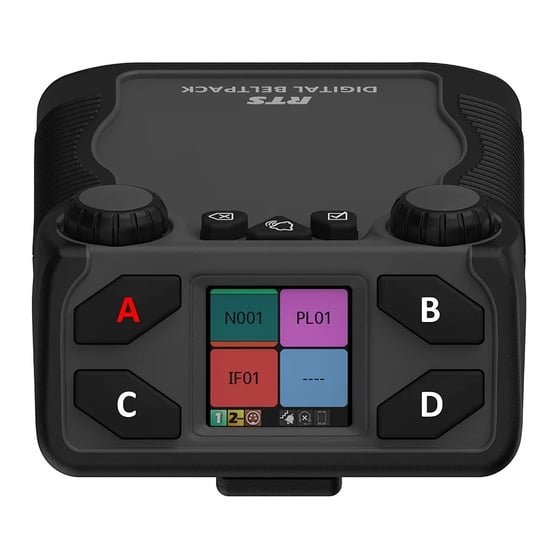
Assigning Keys on a RTS Digital Beltpack (DBP)
Digital beltpacks from RTS can be configured using the software packages IP Edit, AZ Edit and Neo. There are some functions that the user can configure from the device itself, providing the device has not been restricted in the software application. Changing the volume of a DBP channel The left encoder controls channels A and…
-
Changing the Operating mode of an RTS DBP
RTS Digital Beltpacks (DBP) with firmware version v 2.0.0 can now be toggled between OMNEO and RVON modes, without the need to re-flash firmware. RVON is RTS Intercom’s proprietary Voice Over Internet Protocol (VOIP), allowing devices to be deployed across a wide area network, including the internet. DBP controls The controls for the DBP are…
-
Changing the IP Address on a TN9300 Tait Node
Before you start you will need the following: A USB Keyboard. A Monitor with a VGA input A VGA Cable Connect the monitor to the VGA port on the server and the keyboard to the USB socket to the front of the machine. You’ll then be prompted to login. Enter the following and you should…
-
Programming Radios on RM
To access RM You need to be on the FOG Network. If RM has just been installed, you’ll need to add the server address “rm2.ct-networks.com” and port “443”. The main screen lists every DP radio enrolled on RM. If this is a fresh install it’s a good idea to re organise the columns and put…