
-

Default Settings of IDK IP Ninjars and Preferred Configurations
Factory resetting the IP Ninjar units will return their IP address settings of to the defaults below.
-
Updating Firmware on the Bolero 4-wire Interface (NSA002)
Upgrading the Bolero 4-wire interface to version 2.1.1 cannot be done through the firmware upgrade tool on the web interface. Currently this is only though to be applicable when upgrading from versions below 2.1.1.
-
How to Change the EDID on a Lightware Matrix
How to change the EDID on a Lightware Matrix via the Lightware software, which EDID to choose and why.
-
How to Capture an Image with Fog
CT uses an open-source network cloning and image management system to flatten Windows machines back to a known working image. The Fog server is hosted at CT and is available through the Imaging network. Devices are imaged by booting from the network, which loads Fog as a basic operating system on the device. An image…
-
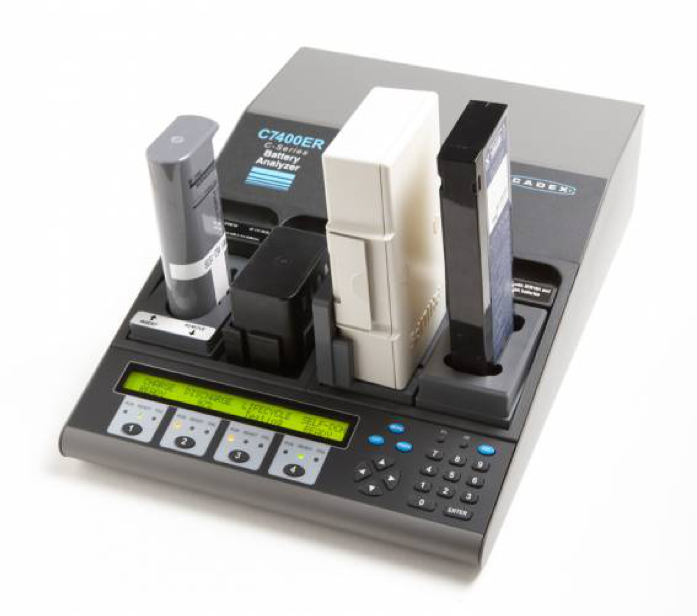
How To Use the Cadex C7400 Battery Conditioner
The Cadex C7400 is a modular battery analyser and conditioner which can have modules for multiple types of batteries fitted to it. It will run the battery through a full discharge, full charge and then recondition the battery if the preset minimum capacity is not met.
-
How to Re-image a Machine with Paragon
CT uses Paragon Backup & Recovery to reimage its S10 and S11 machines in the field. The Images for every machine are stored locally on the Raid in a partition called the ‘Capsule’. Imaging is completed from within Windows initially and then via a fully automated boot program called ‘Backup and Recovery.
-
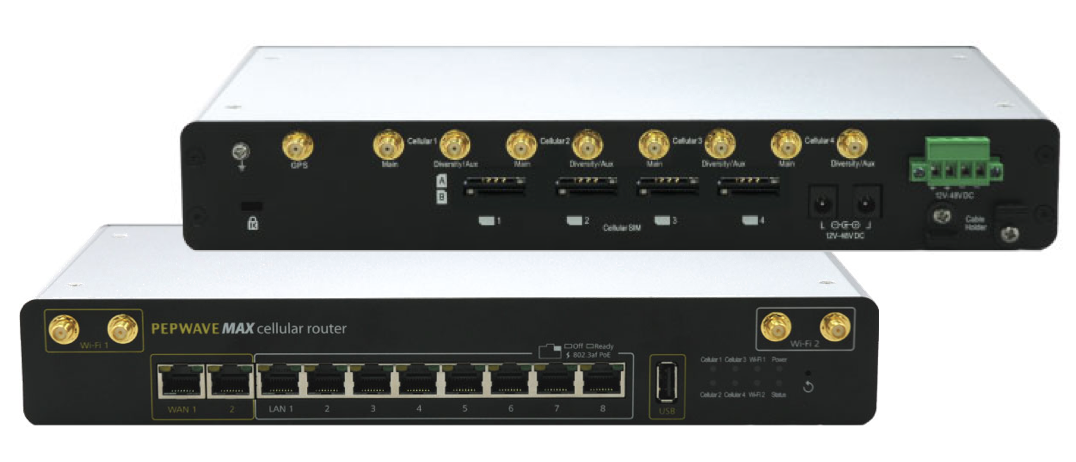
How To Check Internet Connectivity on the Pepwave MAX-HD4
The Pepwave MAX-HD4 is a multi-WAN router designed to proved internet connection on remote or mobile sites. It can be populated with up to four SIM cards, two cabled WAN connections and WiFi and can be configured to fail over between these connections to provide internet as reliably as possible. CT have a central portal…
-
How To Use the CT Encrypted USB Drives
CT are using the U-Disk EP-KP001 encrypted USB drive to store and transport sensitive client data. The drives are AES-256 hardware encrypted and ruggedised to withstand damage on site.
-
How to Re-image a Machine with Macrium
CT uses Macrium Reflect to reimage its Laptop’s and Hi Spec machines in the field. The Images for every machine are stored locally on a partition called ‘Image Store’. Imaging is completed from within Windows initially and then via a fully automated boot PE environment called ‘Macrium Reflect’
-
SFP Cheat Sheet
Not all SFPs are the same as one another, and some equipment requires specific SFPs to work.
-
Nimbra 680 Default IP and password
The Nimbra 680 is the standard IP transport system used by NEP Connect to send video and IP over the AnyLive network
-
Protected: Lynx Technik – Yellobrik – Site Feedback
There is no excerpt because this is a protected post.