
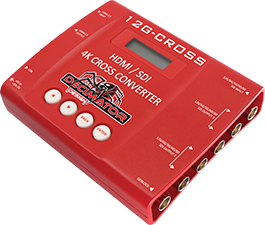
Decimator 12G -Cross can output a signal of an colour in case if there is a loss of signal.
To set it up you need to make sure that SDI/HDMI output source is set to Scaler/TPG and that the Test Pattern Reference is set to Free Run like on below picture.
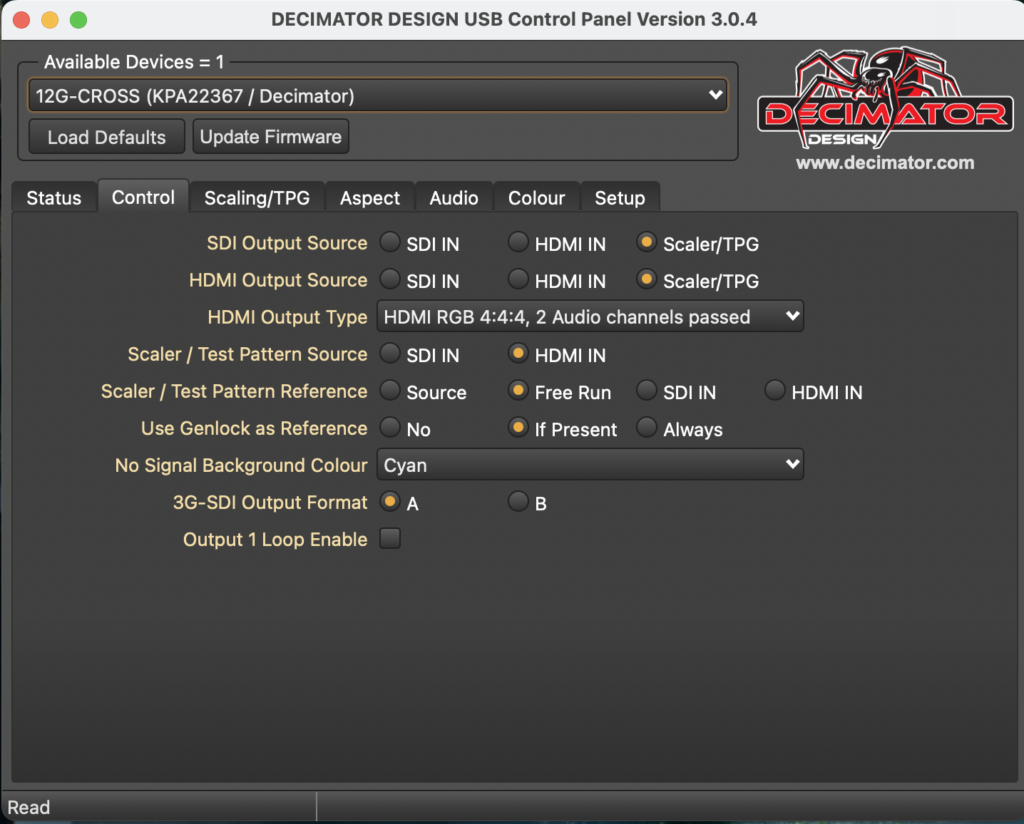
If you don’t have access to the software and USB cable, you can configure all the settings via buttons on the device.
- Push right arrow button to go to Control, then push Enter
- Set the SDI OUT SOURCE to Scaler, then push right arrow button,
- Set the HDMI OUT SOURCE to Scaler
- Keep pushing right arrow button until you see DUC/TPG REF, set it to FREE RUN
- Push the right arrow button twice to get to No Signal Colour and set it to preffered colour.
Leave a Reply
You must be logged in to post a comment.