
Author: Dallas McIntosh
-
Luminex Gigacore 10 network switch for Bolero standalone
The standard package for Bolero standalone includes a Luminex Gigacore 10 network switch. A Bolero Profile has been loaded onto the switches and can be recalled by following the procedure […]
-

Radio Shack Software User Guide
The guide below explains how to set up and use the CT RadioShack software. A PDF version is available to download here.
-
XLR SIP Codex ”Touch”
The In:Products SIP Codex Touch telephone interface unit facilitates outside callers interfacing with 4-wire Intercom. Participants dial the unit’s dedicated number from a mobile or landline and when the call […]
-
Connection Guide for Unity Intercom
Instructions on how to connect to the various Unity Intercoms systems used by CT are available here Individual links for each production space are below. E2 Bridge Unity Intercom E2 […]
-

User Notes for Unity Intercom package
Unity Intercom server runs on a Mac Mini and allows configuration of server details, channels and groups, user details and audio feeds. The package contains an audio I/O licence to […]
-
Unity Connect to Interface Partylines
Unity Connect can be used to interface partylines or to introduce audio from a remote location to an existing partyline system. In this example Clearcom Helixnet is interfaced with a […]
-
IFB Using Bolero Standalone
It is possible to use Bolero as an IFB source by manipulation of the audio channels within the NSA.
-
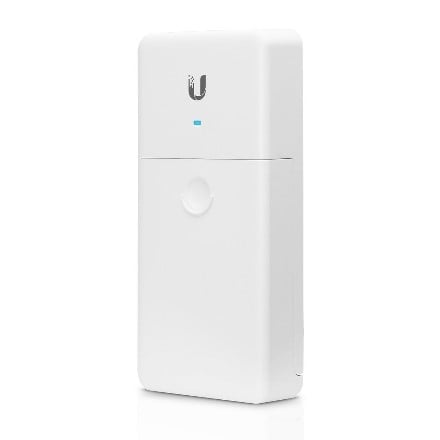
Using Ubiquiti Media Convertors with AES67
Bolero antennae can be deployed over a fibre network by converting the media using the Ubiquiti U Fiber and POE passthrough.
-
Updating Firmware on the Bolero 4-wire Interface (NSA002)
Upgrading the Bolero 4-wire interface to version 2.1.1 cannot be done through the firmware upgrade tool on the web interface. Currently this is only though to be applicable when upgrading […]